

Overview
Introduction

Seeq is an advanced process analytics platform used by industrial organizations. This platform allows engineers to investigate, visualize, and analyze their data. It is a common practice for engineers to split their time between the field and the office.
While in the field, engineers are often equipped with their mobile phones or tablets. While in the office, engineers are often equipped with laptops, desktops, and second monitors. However, with an increase in the work-from-home culture, many engineers are often working while on the go. In these instances, they often use their cell phones to check emails and respond to notifications.
Problem
Engineers who are always on the go are finding it difficult to navigate Seeq on their mobile devices and access the features they need, such as trending data and computing simple calculations. As a result, they have to resort to using Seeq on their laptops or desktops. Moreover, there are several support tickets requesting Seeq to optimize for mobile and touchscreen devices. Therefore, there is a critical need to improve Seeq’s mobile experience to meet user expectations and provide a seamless and satisfying experience that will increase user engagement and retention.
Team Roles
Janisa Simmons: Principal User Experience Designer
Aileen Nam: User Experience Designer
Kayla Looney: User Experience Researcher
Joanna Zinsli: Product Manager
Discovery
Evaluating the Current Mobile Experience
In order to gain an understanding of the challenges that our users were facing, we first evaluated Seeq on a mobile device.
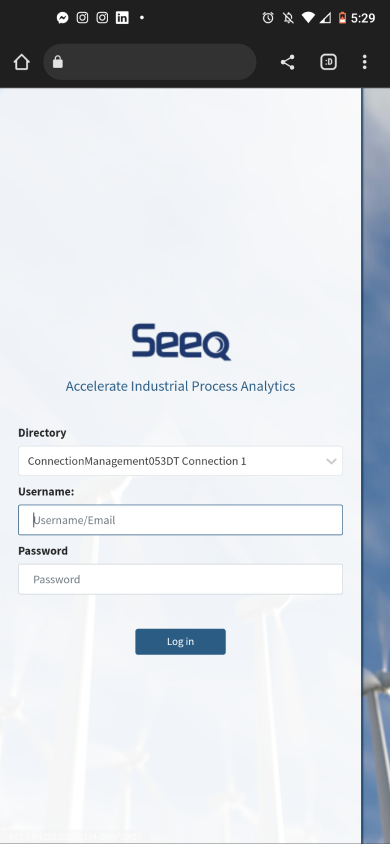
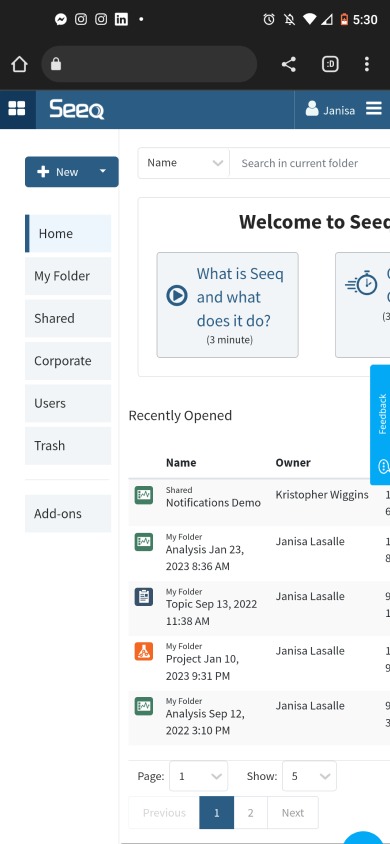
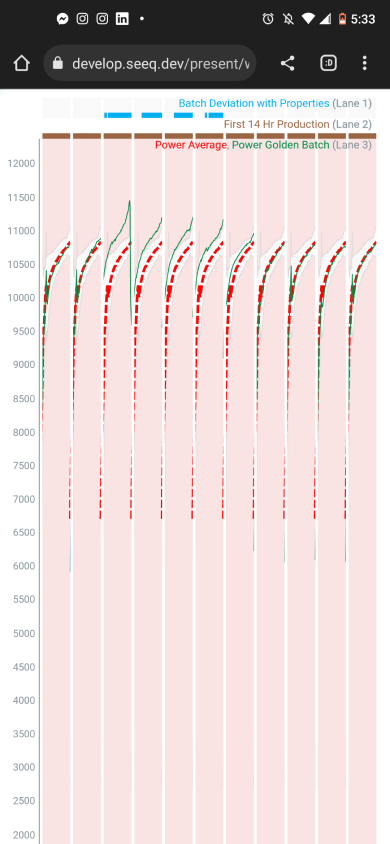
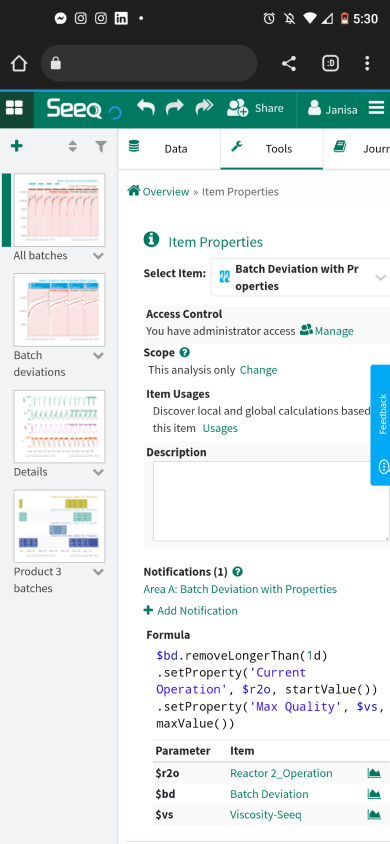
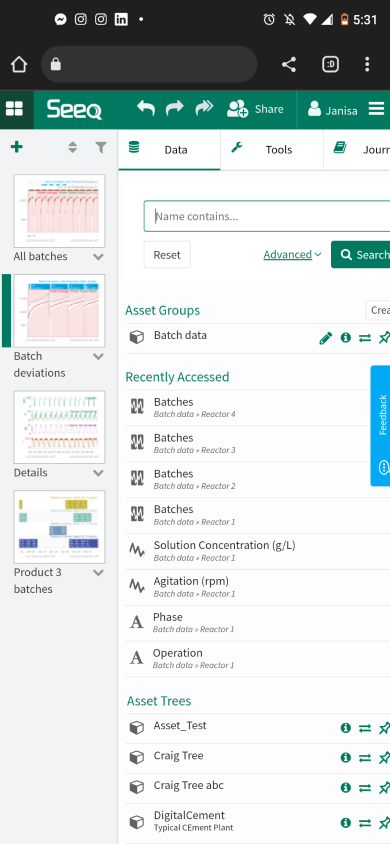
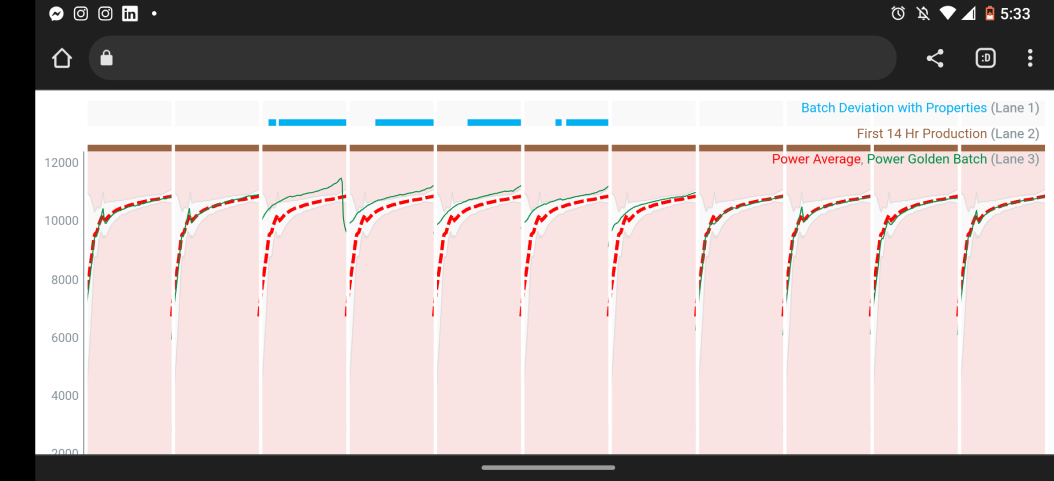
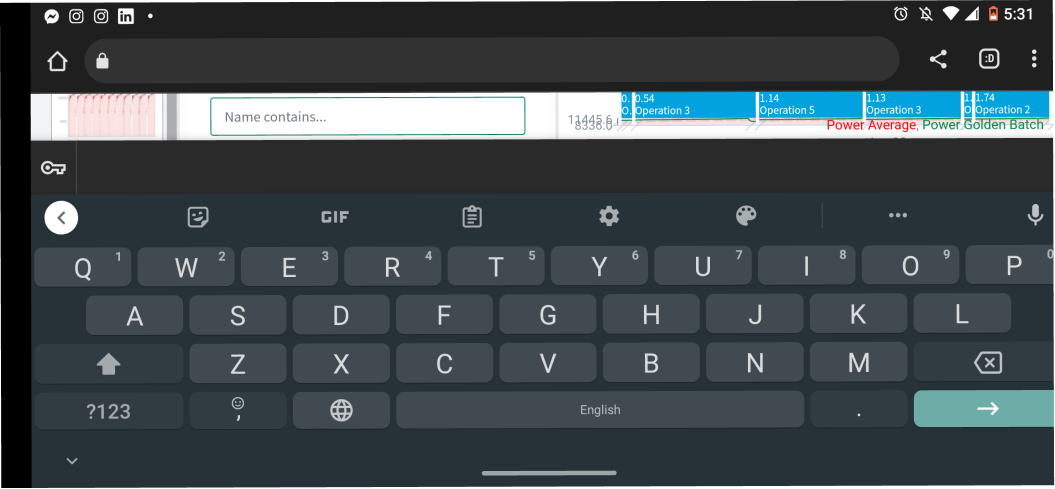
- None of the pages were optimized for Mobile Experience.
- On the Home screen, users are unable to scroll to the right, unless they are within the table.
- The targets were too small for mobile navigation.
- When navigating within Workbench, the user cannot scroll to the right making it impossible to view visualizations and conduct analysis using tools.
- The user must use “presentation mode” to view the trend.
- When placing the phone in landscape mode, the keyboard often covers the entire screen making it impossible to input content or search for data.
- The font size of the labels is extremely small.
Support Tickets
Our team evaluated support tickets that were submitted in Jira. Since 2015, there 19 requests related to improving Seeq’s mobile experience.

Interviews
We conducted two group customer interviews, which included a total of seven users.
Research objectives:
- Understand current workflows and frustrations when using Seeq on a mobile device.
- Learn about which devices are allowed while in the field, shop floor, or in “clean” rooms.
- Are tablets used or are they planned to be used in the future?
- Are there areas in the field where they would be comfortable doing some early analysis instead of waiting to get back to the office?
- Learn how users imagine using Seeq on mobile devices in the future.
Research Findings
Key Insights
- It is important for engineers to have access to Seeq on mobile devices because it helps them quickly diagnose critical issues related to the equipment they are monitoring. Problems can arise at any time of the day, and engineers want access to Seeq whether they are on their desktops, laptops, tablets, or mobile devices.
- Users find value in Seeq’s ability to compute advanced analytics and its speed of calculation. Therefore, users go to Seeq because it is fast and easy to use. However, when trying to access Seeq on mobile devices, productivity is significantly reduced, making it nearly impossible to gain value from Seeq.
Usability Challenges
- If there are three or more parameters in a visualization, the graph becomes too hard to read, making it difficult to understand and gain meaningful insights from the graph. (Some graphs have more than 50 parameters.)
- Users are forced to minimize multiple sections to get to important information.
- Users must turn their phones horizontally to see any data on the graph, which significantly reduces the vertical real estate when working with multiple parameters.
- We have a “Presentation View” that removes Seeq configurations to allow only trends to show, but it is difficult to navigate to it and it likely suppresses some functionality.
- The home button (four squares next to the logo) can only be accessed when the phone is horizontal.
- Targets are too small on mobile devices, making it difficult to tap the collapse/expand buttons.
- It’s challenging to scroll through different worksheets when accessing Seeq through Chrome on the phone.
- Editing graphs is challenging on mobile devices.
User Persona

Design
Storyboard
We created a storyboard to outline the vision.

Low-fi Wireframes


Next Steps

Internal Research
We are currently gathering internal feedback from Analytics Engineers, Customer Success Managers, and developers.
Usability Research
After we have completed internal reviews, we are looking to conduct usability research with customers.
Iterate the design
We anticipate several rounds of iteration and research, to include a design for landscape mode and further define actions and advanced interactions.
Developer Handoff
We will define the MVP and hand off the prototype to developers, providing support where needed during the development cycle.